- Log AI
- Posts
- How to prompt ChatGPT 5.2
How to prompt ChatGPT 5.2
OpenAI strikes a Landmark deal with Disney

In partnership with


Welcome to another edition of Log AI.
In today’s update, we’re looking at two major stories. OpenAI and Disney have signed a new partnership that allows AI-made videos and images using Disney characters. Google has also added a new try-on feature that lets you see clothes on your body using only a selfie.
Let’s get into the details.
Read time: 4.5 mins
Here's what's new today in the Log AI
OpenAI strikes a Landmark deal with Disney
Google’s AI try-on feature for clothes now works with just a selfie
AI Tutorial: How to prompt GPT 5.2
AI Tools to check out
The Latest in AI
ChatGPT Prompt of the day
AI NEWS
OPENAI X DISNEY
OpenAI launches a general-purpose agent in ChatGPT

OpenAI and Disney have signed a new deal. It lets OpenAI use Disney characters in Sora and ChatGPT, and Disney is also investing in the company.
The partnership will run for three years and will bring AI-made Disney content to fans in new ways.
Key Points
More than 200 Disney, Pixar, Marvel, and Star Wars characters can now appear in short videos and images made with Sora and ChatGPT.
Disney is putting $1 billion into OpenAI. This gives Disney a stake in the company and strengthens the long partnership they are building.
Some Sora videos made by users may appear on Disney+, starting in early 2026.
Both companies are adding limits to prevent misuse, protect creators, and block harmful or inappropriate content.
This is one of the first times a major studio has licensed its characters to an AI platform. It shows how fast entertainment and AI are starting to work together.
Create how-to video guides fast and easy with AI
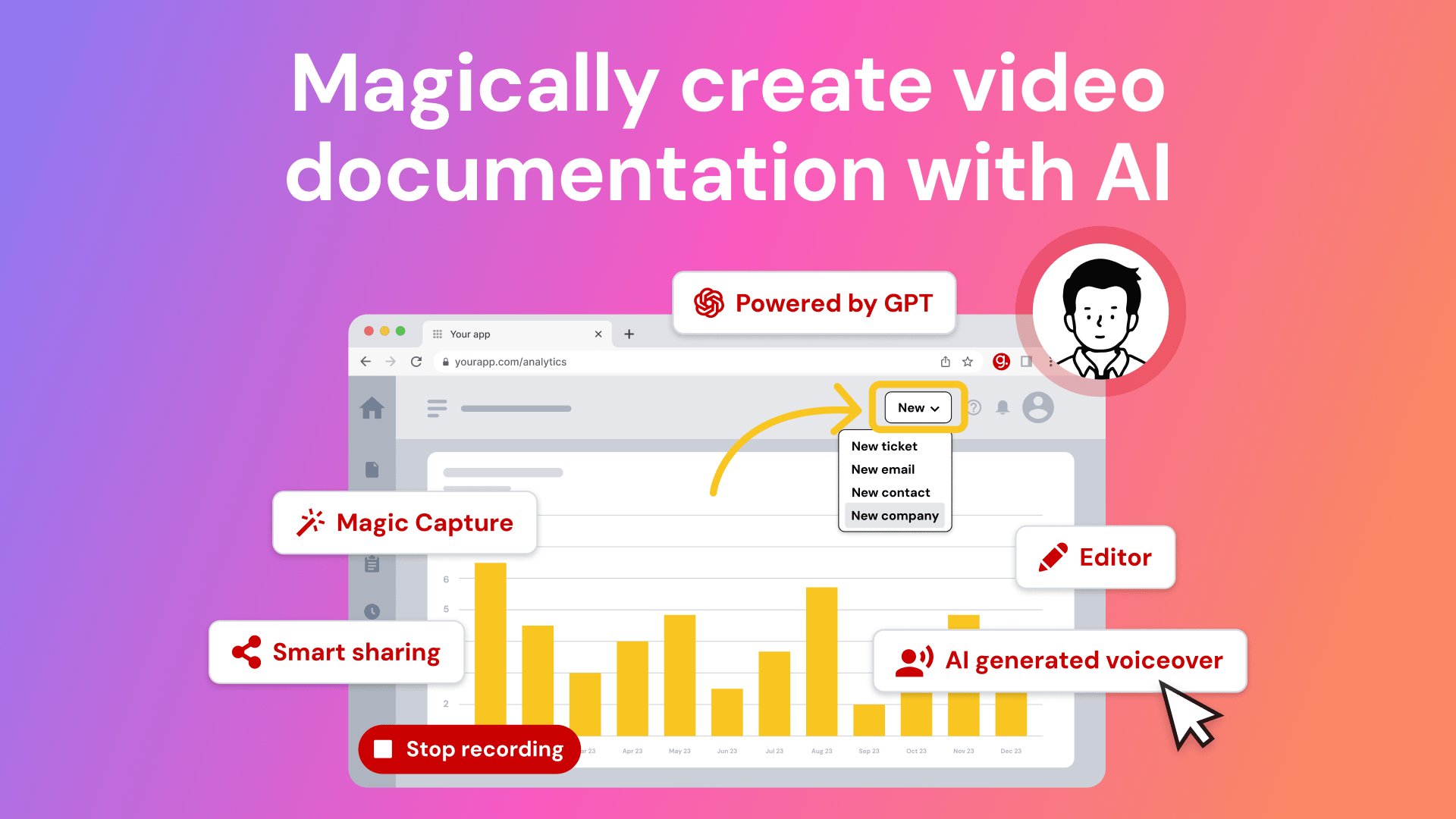
Tired of explaining the same thing over and over again to your colleagues?
It’s time to delegate that work to AI. Guidde is a GPT-powered tool that helps you explain the most complex tasks in seconds with AI-generated documentation.
1️⃣Share or embed your guide anywhere
2️⃣Turn boring documentation into stunning visual guides
3️⃣Save valuable time by creating video documentation 11x faster
Simply click capture on the browser extension and the app will automatically generate step-by-step video guides complete with visuals, voiceover and call to action.
The best part? The extension is 100% free
AI AND INNOVATION
Google’s AI try-on feature for clothes now works with just a selfie.
Google has added a new shopping feature that lets you try on clothes using only a selfie. You don’t need a full-body photo anymore. The tool creates a full-body version of you so you can see how outfits might look before you buy.
Details:
You can upload a simple selfie in Google Shopping or Google Search to start the try-on.
You choose your usual clothes size, and the AI shows several full-body images of you wearing the outfit.
You can save your favourite image as your default try-on profile for future
If you prefer, you can still upload a full-body photo
The selfie try-on is now available for shoppers in the United States.
AI TUTORIAL
How to prompt GPT 5.2
You don’t need any special tool to write strong prompts for GPT 5.2. You can use the R T C R O S method to guide the model clearly. Here is a simple example you can follow:
R — Role (Example)
You are a researcher who explains topics in simple language.
T — Task (Example)
Your task is to summarize the main ideas of the text I will give you.
C — Context (Example)
The summary is for beginners who need a quick, clear explanation.
R — Reasoning (Example)
Think step by step before giving the final summary.
O — Output Format (Example)
Give the answer in three short bullet points.
S — Stop Condition (Example)
Stop after the three bullet points. Do not add extra notes.
Combined Prompt (All Features in One)
“You are a researcher who explains topics in simple language. Your task is to summarize the main ideas of the text I will give you. The summary is for beginners who need a clear explanation. Think step by step before writing your final answer. Give the answer in three short bullet points. Stop after the three bullet points. Here is the text: [paste text].”
AI TOOLS TO CHECK OUT
Cramd AI: AI-powered study platform that personalizes learning.
AI Apply: Customized job applications for better results.
Syllaby AI: Transform ideas into faceless videos with consistent characters
Coloring Pages.app: Generate printable coloring pages with AI in seconds
Listen Hub AI: Turn any content into realistic AI podcasts.
THE LATEST IN AI
Grok, the AI chatbot from Elon Musk’s xAI and widely used on the social platform X, gave users several incorrect or misleading answers about the mass shooting at Bondi Beach in Sydney, Australia, on December 14, 2025.
.As part of Zoom’s AI Companion 3.0 update, the company rolled out a web-based interface for its AI assistant that allows users to recap meetings, generate daily reports, and create to-do lists outside the video conferencing client.
CHATGPT PROMPT OF THE DAY
“Write the text below as a real person would write it for [AUDIENCE].
Purpose of the text: [PURPOSE].
Context the reader should know: [CONTEXT].
Use simple English. Keep the tone calm, clear, and professional. Avoid polished or impressive wording. Avoid buzzwords and filler. Vary sentence length naturally. If a sentence feels artificial or overworked, rewrite it until it sounds normal.
Text to write or rewrite:
[TEXT]”
Turn AI Into Extra Income

You don’t need to be a coder to make AI work for you. Subscribe to Mindstream and get 200+ proven ideas showing how real people are using ChatGPT, Midjourney, and other tools to earn on the side.
From small wins to full-on ventures, this guide helps you turn AI skills into real results, without the overwhelm.
THAT’S A WRAP!
What do you think about today's email? |
Thanks for reading, and see you in the next edition!
Awa K. Penn